When your machine
slows down, know why.
A private instrument for your Linux machine.
Clear signals for you and your personal AI.
uv tool install sensitivebox Readings stay with you.
No telemetry to third-party cloud or AI
No data collected
No analysis or surveillance
Your own AI
Use AI you already trust.
True ZDR
You can run a mighty local model
Make room for what matters.
Your work, your demo and your next call share one machine. Give your AI the context before the call. Let it check what the machine can tell you.
Example readings. This page has no access to your machine.
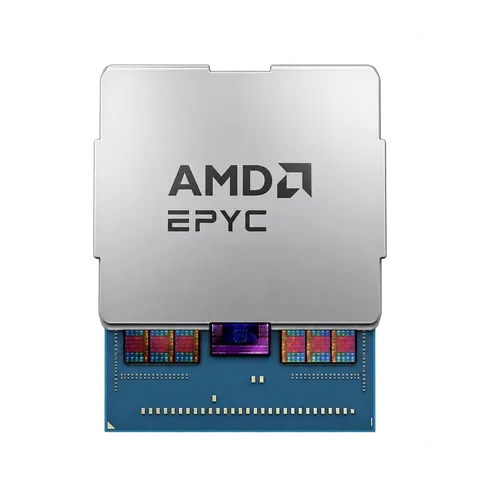
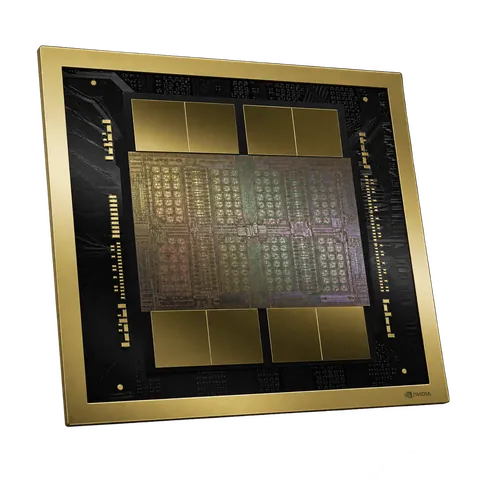
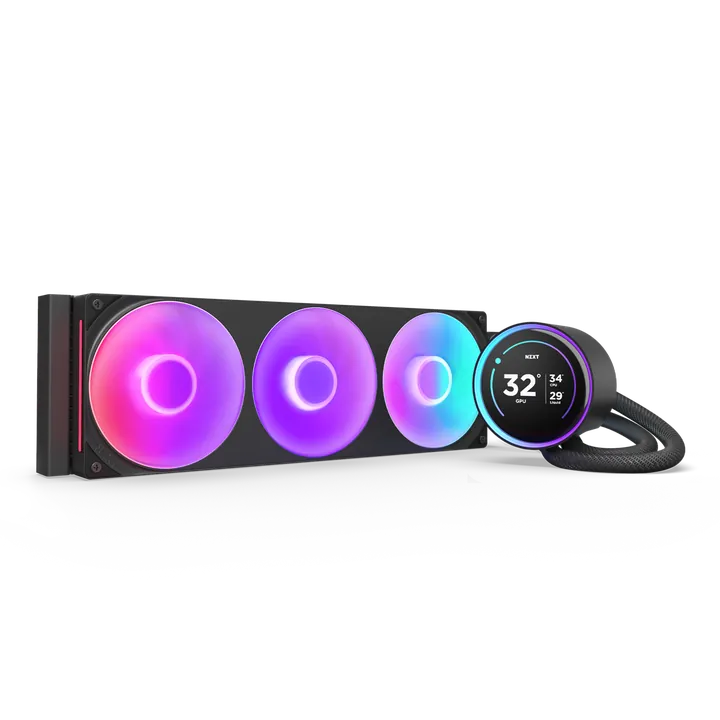
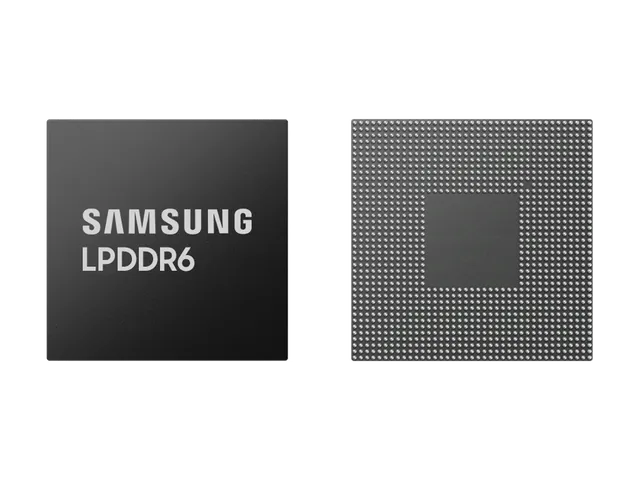
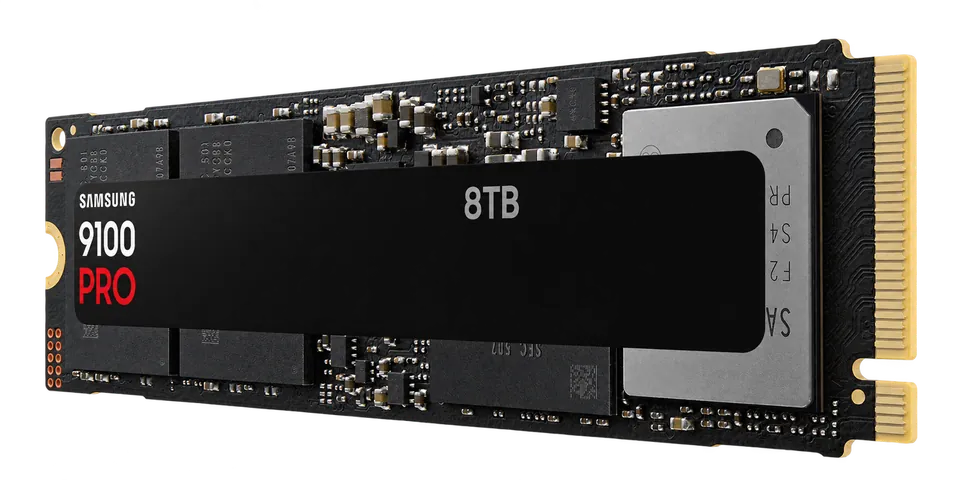
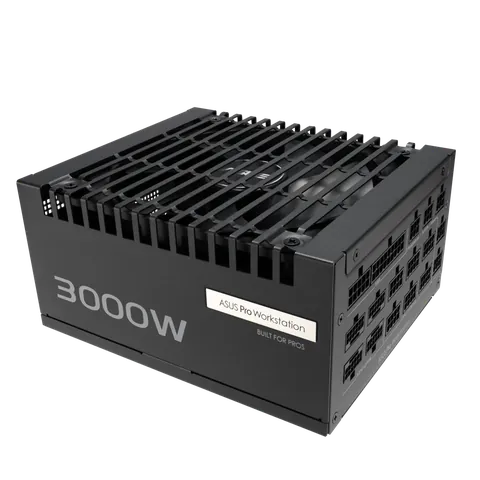
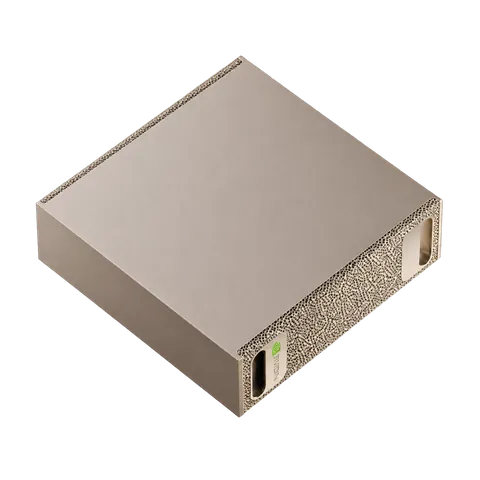
The evidence stays
within reach.
The alerts are doing the watching. Staring at a hundred values mid-build is optional misery. Open the dashboard when you want to follow a signal, see why an alert fired, or simply enjoy a clear view of the machine. Then get back to your work.
Explore the documentation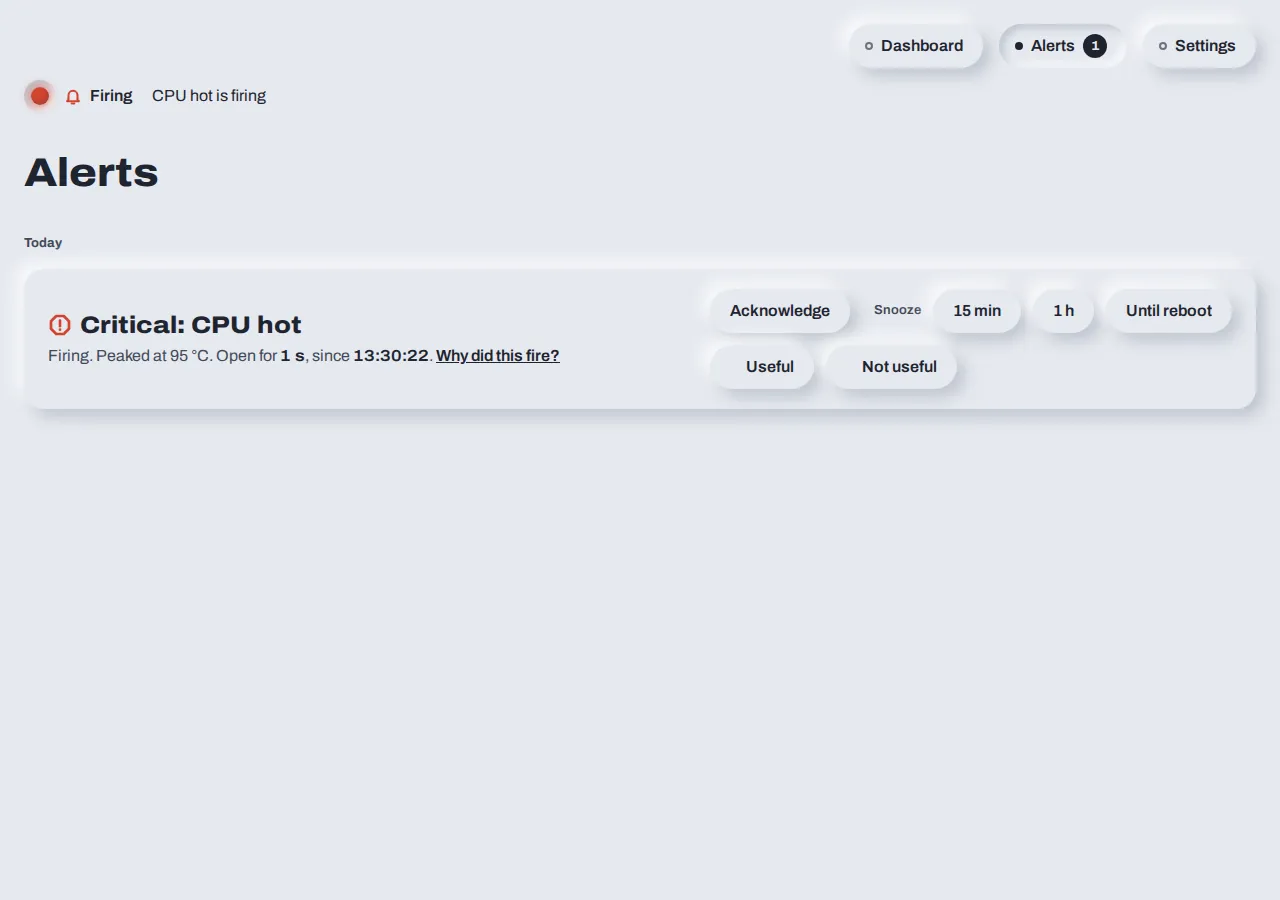
A small model. A clear picture.
A tiny local model becomes useful when it has something solid to work with: observations, history and the context you provide. What is making the machine wait? Is it running out of headroom? Would cleaning help more than an upgrade? Give your AI the evidence to reason with.
Dashboard
A clear view of the machine, with the history behind every reading.
Structured data
Observations with context. Ready for your scripts and tools.
MCP
A connection between your instrument and the AI you choose.
CLI
Ask a quick question. Get an answer you can read or build on.
“We provide the instrument. You bring the AI. Keep it local, choose its skills, and decide what it is allowed to do.”
Several of your boxes.
One private view.
The laptop in front of you, the workstation, the GPU box, the machine at home. Each keeps its own history and keeps watching. You reach the others over SSH, with your own keys.
Nothing in the middle holds the readings. Your AI stays inside that boundary.
Direct SSH · your keys
All yours. No hosted relay. No central copy.
No telemetry.
Nothing collected for someone else, or “to improve your experience.”
No central ingestion.
Your boxes talk privately. There is no Sensitive Box server in the middle.
Your own devices.
Built to look after your machines. No surveillance of other people.
Open source.
Community verified, maintained and improved.
Truly free.
No licence, no fees, no freemium, no ads.
Community
Good ideas travel.
Your data doesn’t have to.
Borrow a skill, a dataset, an automation, or an alert pack for your device. Make it your own. Share something useful when you choose.
Explore the project on GitHubA starting point for your AI
Use our skill or adapt a community skill to the way you work. The model, the context and the permissions remain yours.
A contribution you control
Share an idea, an alert rule or a redacted hardware dataset. You choose what leaves your machine.
How to contributeRoom to grow
Build loops and automations around your instrument as you need them. Start with visibility. Give it more responsibility when you’re ready.

Give yourself a little less to keep in your head.
Sbox observes the tools so you can focus on your work.
uv tool install sensitivebox Then sbox enable to keep watch. sbox open when you want a closer look.
macOS via Homebrew is coming soon. Flatpak follows later.